
In our cavok tutorial series, we show you step by step the practical functions of our digital asset management system. We demonstrate here how easy it is to work with the Cavok DAM system. In addition to the user interface, we explain the different options for importing files. We also explain the vaious ways of facilitating collaboration with colle...
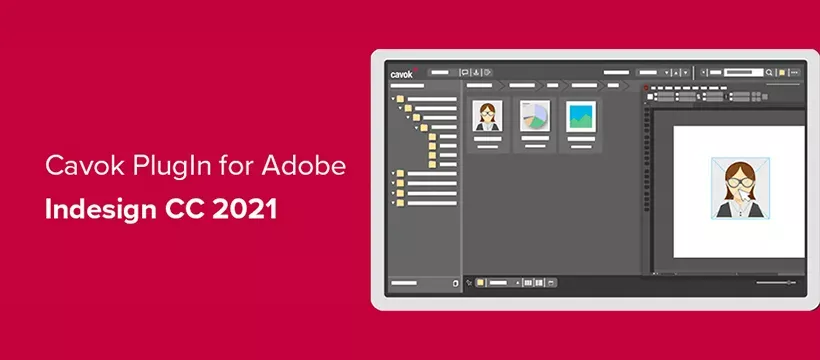
Only a few days after Adobe has released its Creative Cloud 2021, users of the Cavok DAM system have access to the updated Indesign plug-in. This plug-in makes it easier for users of the Cavok digital asset management solution to work with Adobe InDesign: For example, images can be dragged and dropped directly from the Cavok browser into an InDesig...
Updated to version 4.3 of the cavok DAM system, you can now use Synology NAS systems as file servers. Advantages of Network Attached Storage Synology is one of the market leaders of Network Attached Storage (NAS) devices. NAS provides file storage space that is not tied to a specific PC or client, but is accessible via the network. NAS systems are ...
Cloud vs. on-premise - When choosing the right digital asset management system, you are inevitably faced with the question where to store the important company data. Do you choose an on-premise solution and store everything on your own servers or do you prefer a cloud provider who, for example, takes care of server maintenance? In this article we w...
It is a twofold challenge facing companies these days: the economic consequences of the Corona pandemic are not yet foreseeable and most employees work from home wherever possible. For this to succeed, previously common work processes and the handling of digital files must be rethought. A digital asset management system such as cavok can help here....