 DE
DE  EN
EN DAM Blog
Everything about Digital Asset Management
What really breaks InDesign projects?

Usually not the layout itself.
This article is for teams who are thinking: "This is exactly what it's like for us."
For teams that:
- work with InDesign and large numbers of assets every day
- collaborate internally and externally
- need workflows that work from anywhere
- rely on clean data and structured processes
Or, to put it another way: For anyone whose creative work keeps getting slowed down by organisational overhead.
When collaboration takes more time than the layout itself
A layout is rarely created by one person alone. Several people are usually working with the same files. Images get edited, moved and renamed. Content is created in parallel — often across different locations, systems and devices.
And this is exactly where things start to get messy:
Not in the design.
Not in the idea.
But in the way files are handled.
Sound familiar? Then this might get interesting.
When links suddenly disappear
You open an InDesign document.
Everything seems ready to go.
And then the message appears: Missing links!
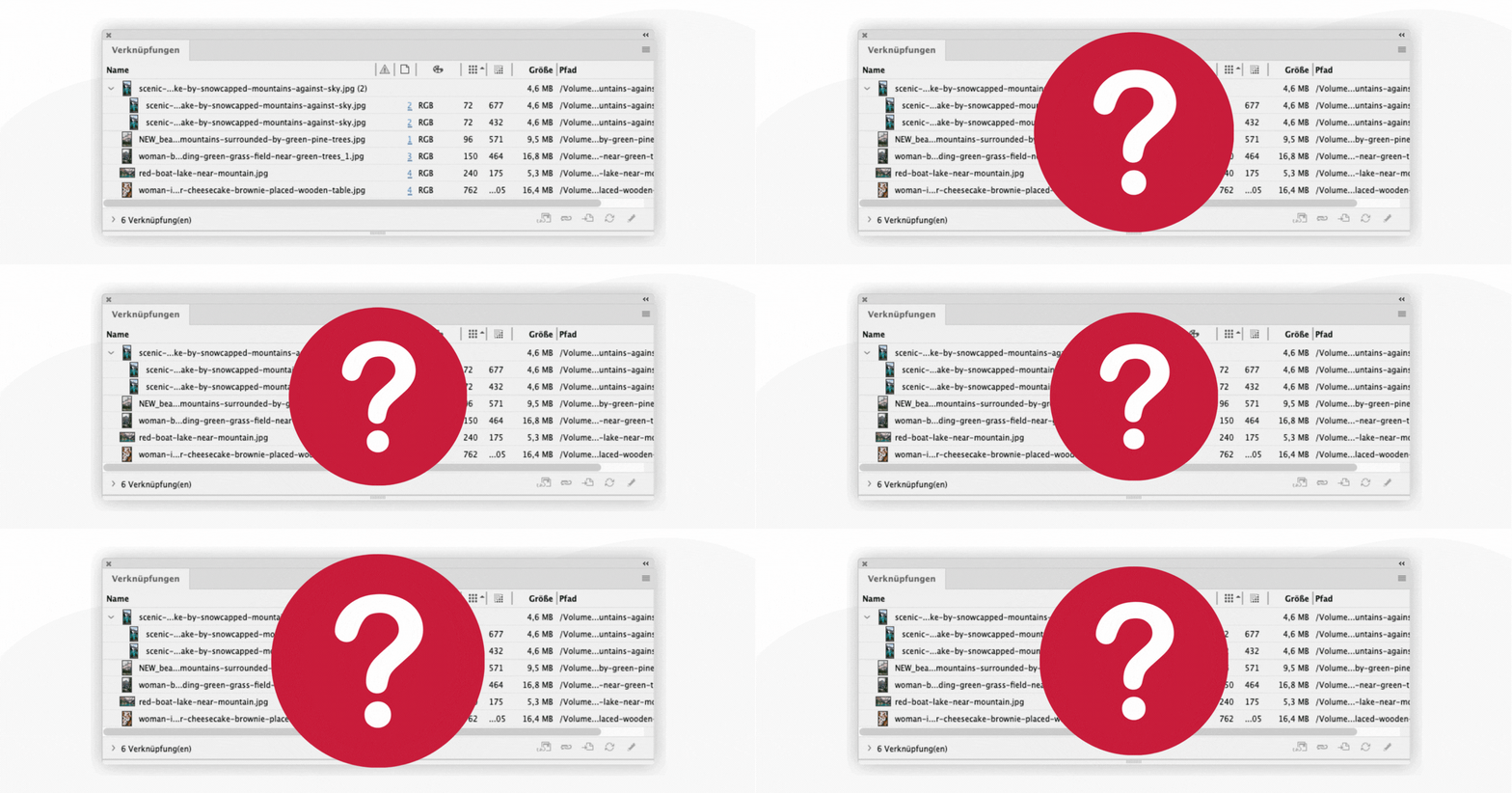
The reasons are usually nothing dramatic:
- a file has been renamed
- an image has been moved
- a new version has been saved
InDesign still shows the old version — but the connection to the current file is gone.
What follows is the usual routine: searching, checking, messaging, asking around.
Who has the file? Where is it stored? Which version is the right one?
If you're already nodding along, you know exactly what this feels like.
When several people work at the same time and things start slipping
While someone in the office is working on the layout, another colleague may be editing images in parallel — perhaps from home or externally.
Files are updated, exported and saved again
The next day, the layout is opened again — and the link can no longer be found.
A typical workflow break.
And one that repeats itself in project after project.
The real issue: systems that don't talk to each other
InDesign works.
Image editing works.
File servers work.
What's missing is the connection between them.
A system that recognises when something changes.
A system that understands relationships — regardless of file names or storage locations.
When InDesign understands what's happening in the background
This is exactly where the Cavok InDesign plug-in comes in.
It connects InDesign directly to Cavok and turns isolated tools into one connected workflow.
Even if files are
- renamed
- moved
- or saved again
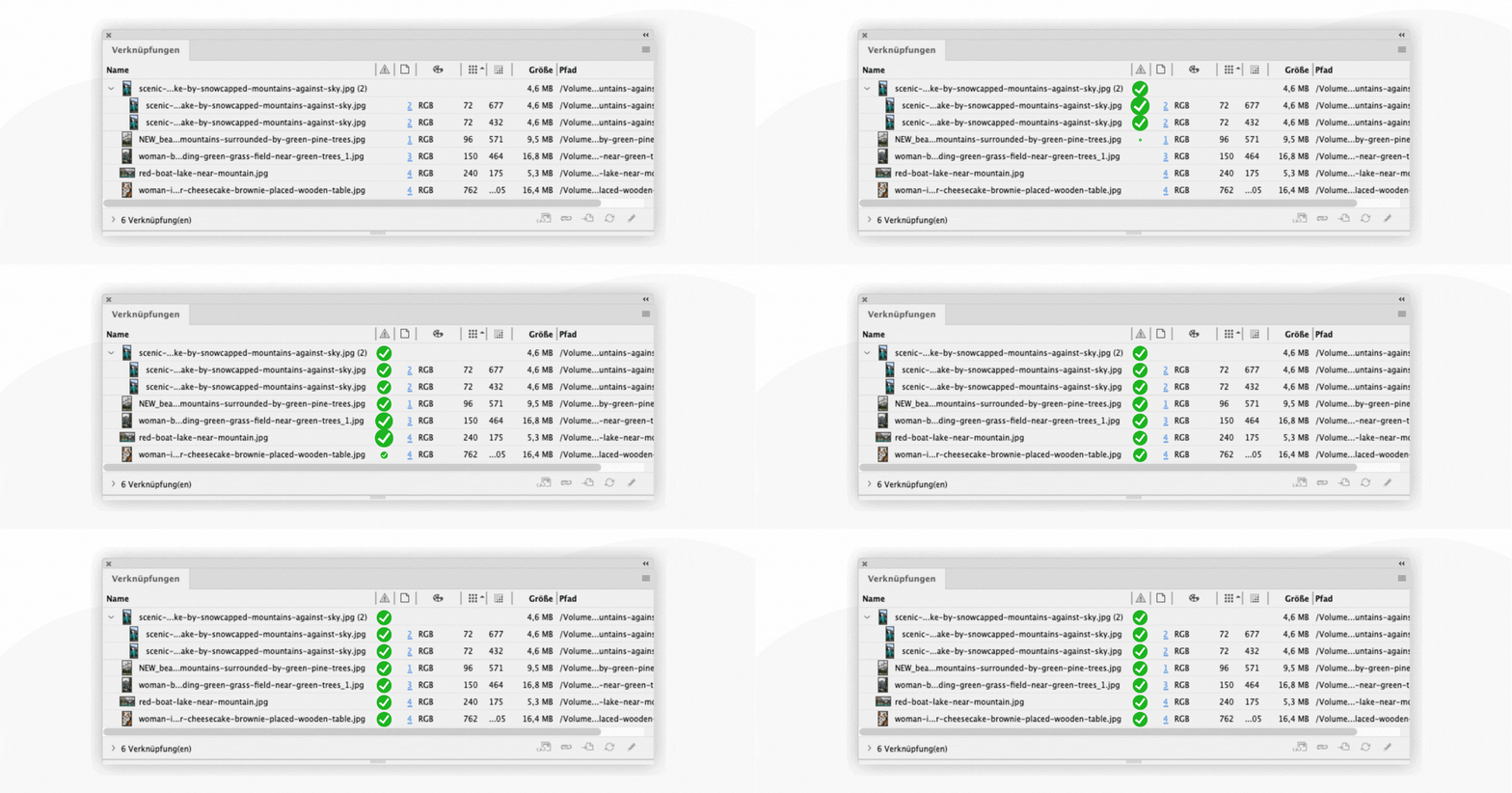
Cavok automatically restores the correct links
No manual fixing.
No searching.
No uncertainty.
Everything stays connected — with a single click.
When updates happen automatically
While work continues in the layout, images can still be edited in parallel.
As soon as a new version becomes available, the plug-in automatically recognises the change. A notification appears, and the latest version can be applied with a single click.
No chasing anyone for files.
No constant checking.
No version conflicts.
For teams dealing with this every day, that makes a real difference.
Working without a file server — and still connected
One of the biggest weaknesses in many workflows is their dependency on a file server.
Especially when working remotely or collaborating with external partners, this quickly becomes a problem.
The Cavok InDesign plug-in solves exactly that:
- opening documents directly from Cavok
- working even without direct access to the file server
- placed images are replaced by layout previews (low-res)
- workflows remain smooth and uninterrupted
As soon as the connection is restored, the high-resolution originals are automatically reconnected.
When even the final project step becomes easy
Packaging an InDesign document is often far more complicated than it should be.
With the plug-in, the final package is created with a single click:
- all original images
- every linked file
- the final InDesign document
- a print-ready PDF
All without requiring direct access to the file server.
This is what a connected media workflow should feel like.

When the workflow finally works the way it should
This is what really matters:
The plug-in doesn't force you to change the way you work. It simply keeps everything running smoothly.
- stable links
- files that stay accessible
- automatic updates
- collaboration from anywhere
In the background, Cavok creates a system that reduces complexity instead of shifting it elsewhere.
The connection between InDesign and Cavok is more than just a technical add-on. It changes the way projects are delivered:
- less coordination
- fewer errors
- less wasted time
And that's exactly where the difference lies.
How to get started
For existing Cavok users, the InDesign plug-in is available straight away. A short tutorial helps with the setup — although most of it feels intuitive from the start.
And for anyone who recognised their own workflow in this article but isn't using Cavok yet:
For many teams, this quickly becomes more than just a nice-to-have. It's often the next logical step towards smoother collaboration and better workflows. A short conversation is often enough to identify concrete use cases and possibilities.